hands-on labIDE in your browser

Stock Countdown: for Loops and range

The croissant sheet for Bean There: walk through the opening hours with for and range, count the stock down as it sells, stop when it sells out, skip the training hour and count down the oven timer.

time
25 min
checked steps
5
level
Beginner
setup
None

$29.99a month with Pro

Pro opens all 5 steps of this lab and every other lab. Cancel any time.

no account needed · Pro opens all 5 steps

See Pro plans

The job

Sam bakes 40 croissants before the doors open and wonders every day whether that's too many or too few. You write the stock sheet: every opening hour, what sold, what's left and when it ran out.

5 steps, each checked when you finish it

A check runs your work at the end of every step. Hints and the full solution are there if you get stuck.

  1. 1

    Opening hours

    The Order Queue's while loops ran until something happened.

    read this step below ↓

  2. 2

    Sold by the hour

    Croissants sell faster at some hours.

  3. 3

    Sold out

    Change croissants = 40 to 30 and press Run: by the end of the day the sheet says -6 left.

  4. 4

    The training hour

    On Wednesdays the team trains from 15:00 to 16:00 with the doors shut.

  5. 5

    The oven timer

    The next batch is in the oven, and oven.py is the timer.

Step 1 as it appears in the lab

The lab’s own text. The hint and the solution stay inside the lab.

Step 1: Opening hours

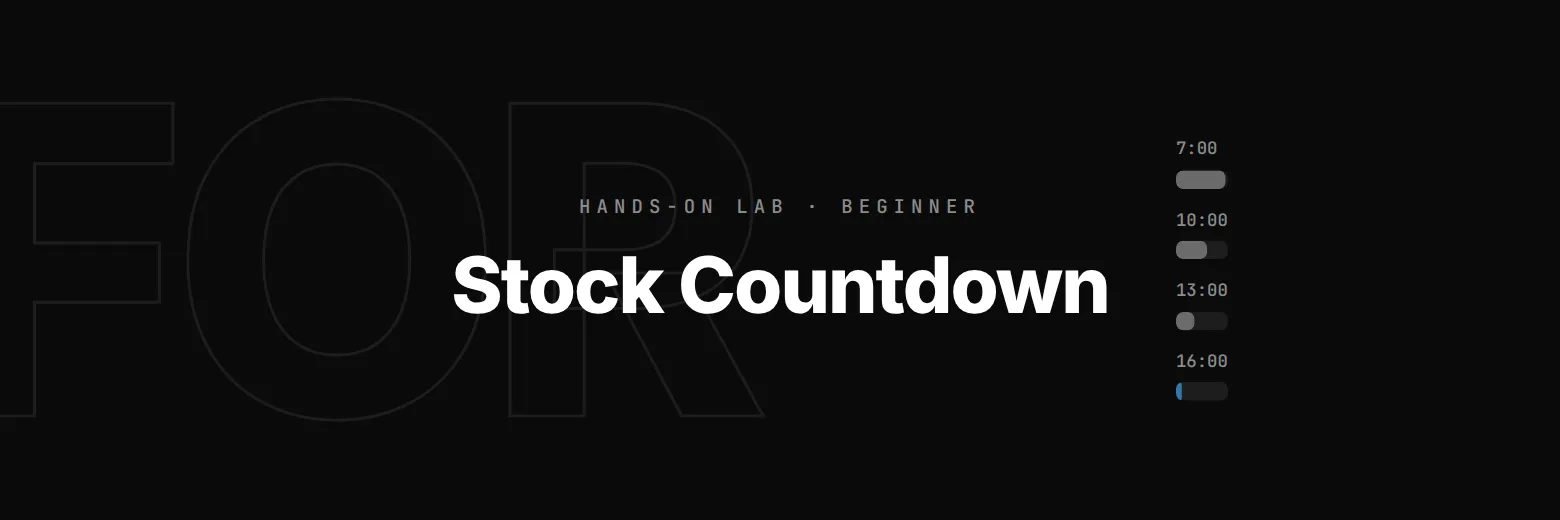
The Order Queue's while loops ran until something happened. When you know the numbers to walk through, a for loop is shorter. range(OPEN, CLOSE) gives every whole number from OPEN up to CLOSE, and the loop runs once for each:

for hour in range(OPEN, CLOSE):
    print(f"{hour}:00")

Each turn, hour holds the next number. range stops before its end, so with the doors closing at 19:00 the last hour on the sheet starts at 18:00. Print the sheet's hours, 7:00 to 18:00.

Use OPEN and CLOSE in the loop: the check changes them to other opening times.

stock.py, the file you edit10 lines
# Croissants at Bean There: the stock sheet, hour by hour.
OPEN = 7          # the doors open at 7:00
CLOSE = 19        # and close at 19:00
croissants = 40   # baked this morning

RUSH = 6          # sold an hour in the morning rush, 8:00 to 10:00
LUNCH = 4         # sold an hour at lunch, 12:00 to 14:00
QUIET = 2         # sold an hour the rest of the day

# TODO (Step 1): print every opening hour, 7:00 to 18:00, one a line
what you get

  • An editor and terminal in your browser
  • A check at the end of every step
  • Hints and the full solution
  • Nothing to install or configure

before you start

  • The Guessing Game: random and loops that count

Part of the Learn Python track

Lab 13 of 15. Learn Python by running a café till: receipts, orders, discounts and the Friday rush. Nothing to install.

Questions about this lab

Why does range(7, 19) stop at 18?

range stops before its end number, so range(7, 19) gives 7 to 18: twelve numbers, one for each hour from 7:00 to 18:00.

Do I need to install anything?

No. Python runs right in your browser, in the lab's editor and terminal.

What you do in this lab

You write a for loop over range(OPEN, CLOSE), one turn for every opening hour. Inside it the stock goes down by an amount that depends on the time of day; break stops the loop when the croissants sell out, continue skips an hour, and a range with a negative step counts down an oven timer.