hands-on labIDE in your browser

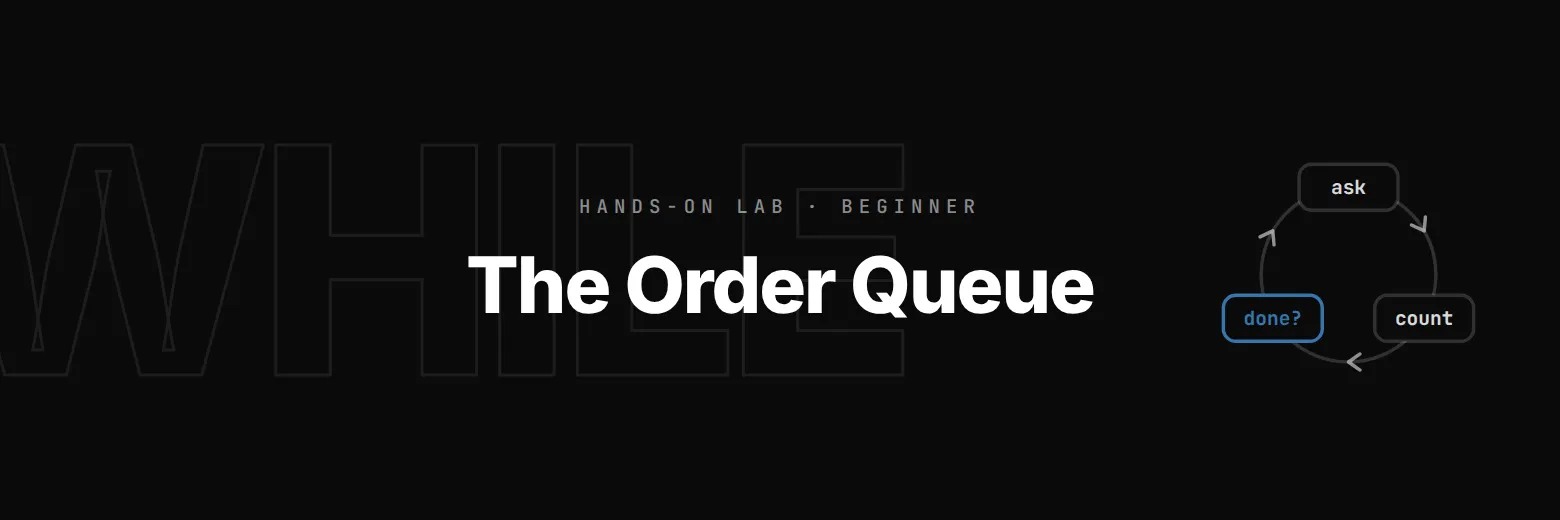
The Order Queue: while Loops

Bean There's morning queue, one customer at a time: a while loop that counts down, a till that takes orders until you type done, break when the milk runs out, continue for a cancelled order, and a loop that never ends, fixed.

time
30 min
checked steps
5
level
Beginner
setup
None

$29.99a month with Pro

Pro opens all 5 steps of this lab and every other lab. Cancel any time.

no account needed · Pro opens all 5 steps

See Pro plans

The job

A queue out of the door and one till. Until now each script served one customer and stopped. This morning the till keeps going: serve the next person, and the next, add up the cups, stop when the milk runs out, and carry on when someone changes their mind.

5 steps, each checked when you finish it

A check runs your work at the end of every step. Hints and the full solution are there if you get stuck.

  1. 1

    While the queue lasts

    Four people are waiting when the doors open.

    read this step below ↓

  2. 2

    Orders until done

    Now the till takes orders.

  3. 3

    break: out of milk

    There's milk for 10 cups this morning, MILK = 10 at the top of orders.py.

  4. 4

    continue: a cancelled order

    Sometimes a customer changes their mind after the barista started typing.

  5. 5

    A loop that never ends

    Last job: Sam's script for filling the coffee machine, refill.py, four cups' worth of water at a time until it holds 12.

Step 1 as it appears in the lab

The lab’s own text. The hint and the solution stay inside the lab.

Step 1: While the queue lasts

Four people are waiting when the doors open. The till should call each one, then say the queue is clear:

Next, please! 4 waiting
Next, please! 3 waiting
Next, please! 2 waiting
Next, please! 1 waiting
Queue clear

Four prints would do for four people, and tomorrow there might be forty. A while loop repeats its block for as long as its condition is True:

while waiting > 0:
    print(f"Next, please! {waiting} waiting")
    waiting -= 1

Python tests the condition, runs the block, then goes back to the test. The last line of the block matters most: it changes waiting, so the test eventually comes out False and the loop ends. The line after the loop, back at the left edge, runs once when it does.

Write it in countdown.py. The check tries other queue lengths, including nobody at all.

countdown.py, the file you edit4 lines
# The morning queue. waiting is how many people are queueing when the doors open.
waiting = 4

# TODO (Step 1): call "Next, please! N waiting" while anyone is waiting, then "Queue clear".
what you get

  • An editor and terminal in your browser
  • A check at the end of every step
  • Hints and the full solution
  • Nothing to install or configure

before you start

  • Level 2 of the Python course: if, elif, else and conditions

Part of the Learn Python track

Lab 11 of 15. Learn Python by running a café till: receipts, orders, discounts and the Friday rush. Nothing to install.

Questions about this lab

Why does my while loop never end?

Something inside the loop has to change the value the condition tests. If nothing does, the condition stays True forever. This lab stops a run after ten seconds so you can fix it.

Do I need to install anything?

No. Python runs right in your browser.

What you do in this lab

You repeat code with while: a countdown that ends because its counter changes, a running total that reads orders until a sentinel word, while True with break for two different ways out, continue to skip one turn, and a loop that never ends, which you find and fix.