Step 1: Load TinyLlama in fp16 (the baseline)
The memory arithmetic of LLM inference is unforgiving:
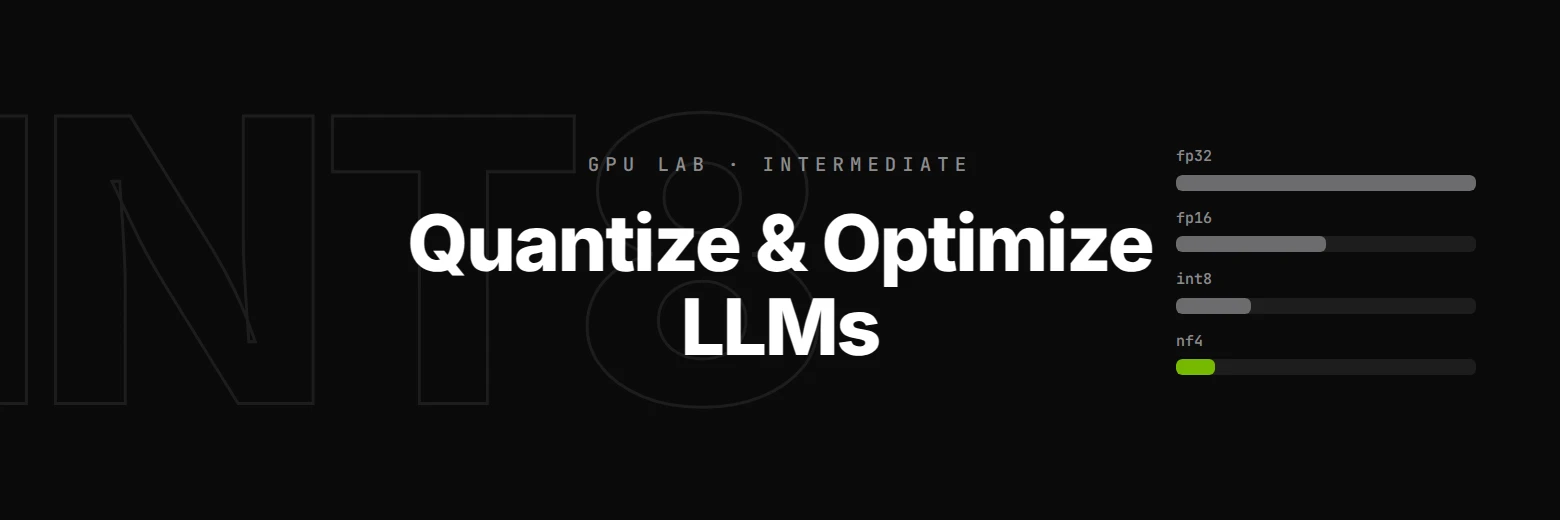
| Precision | Bytes/param | Llama 3 8B weights | Llama 3 70B weights |
|---|---|---|---|
| fp32 | 4 | 32 GB | 280 GB |
| fp16 / bf16 | 2 | 16 GB | 140 GB |
| INT8 | 1 | 8 GB | 70 GB |
| INT4 / NF4 | ~0.5 | 4 GB | 35 GB |
Your RTX 3060 Ti has 8 GB of VRAM. In fp16 it cannot hold Llama 3 8B (the weights alone need 16 GB). In NF4, it can hold the weights and leave room for KV cache and batching. Quantization is what turns "you need H100s to run this" into "your laptop will do".
The three key quantization papers
- LLM.int8() (Dettmers et al., 2022) — the paper that made 8-bit inference practical for LLMs. Introduces mixed-precision decomposition that handles outlier activations, giving ~zero-degradation INT8.
- QLoRA (Dettmers et al., 2023) — introduces NF4 (NormalFloat-4), a 4-bit data type tailored for normally-distributed weights. Got a 65B model fine-tuned on a single 48GB GPU. Core lab infrastructure at every open fine-tuning shop.
- GPTQ (Frantar et al., 2022) — post-training quantization with second-order information. Better accuracy/compression than naive rounding. See also AWQ (Lin et al., 2023) for the activation-aware variant.
What you'll measure
Using TinyLlama-1.1B-Chat (1.1B params, open, no auth, ~2.2 GB in fp16), we'll load it in three formats and compare:
- VRAM footprint — fp16 vs INT8 vs NF4
- Generation latency — is int8 actually slower? (yes, sometimes, on consumer GPUs)
- Quality — measured by perplexity on held-out English. NF4 is typically within 1% of fp16
When to use which in production
| Goal | Choose |
|---|---|
| Fastest possible inference | fp16 (or fp8 on H100) |
| Fit big model on small GPU | NF4 for weights, fp16 activations |
| Calibration-free quantization | bitsandbytes load_in_4bit with NF4 |
| Best accuracy at 4-bit | GPTQ / AWQ (requires calibration data) |
| Production serving at scale | TensorRT-LLM or vLLM with INT8/FP8 (best kernels) |
We're doing the bitsandbytes flavour here because it's the one you call with one extra argument — no calibration, no compilation. It's what every open fine-tuning / QLoRA / inference demo uses.
import torch
import time
from transformers import AutoTokenizer, AutoModelForCausalLM, BitsAndBytesConfig

device = torch.device('cuda')
MODEL_ID = 'TinyLlama/TinyLlama-1.1B-Chat-v1.0'

def vram_of(model):
    """Sum parameter + buffer bytes, report in GB."""
    bytes_ = sum(p.numel() * p.element_size() for p in model.parameters())
    bytes_ += sum(b.numel() * b.element_size() for b in model.buffers())
    return bytes_ / 1e9

tokenizer = AutoTokenizer.from_pretrained(MODEL_ID)

print('Loading fp16 baseline...')
model_fp16 = AutoModelForCausalLM.from_pretrained(MODEL_ID, torch_dtype=torch.float16).to(device)
vram_fp16 = vram_of(model_fp16)
print(f'fp16 model weights: {vram_fp16:.2f} GB on GPU')
print(f'  (TinyLlama has {model_fp16.num_parameters()/1e9:.2f}B params × 2 bytes ≈ {model_fp16.num_parameters()*2/1e9:.2f} GB theoretical)')