Step 1: The contention problem: what happens when GPUs run out
The contention problem — what happens when the cluster is full
You're sharing a 4-GPU cluster with three teams. By 2pm, all 4 GPUs are running long batch jobs. A critical inference deployment ships at 3pm and needs 1 GPU. What happens?
Out of the box: the inference pod sits Pending forever. Kubernetes' default scheduler is strict first-come-first-served. The pod that was submitted earlier holds its GPU until it finishes or crashes — there's no notion of "this new pod is more important." This is a design choice (predictability over disruption), but for production multi-tenant clusters it's the wrong default.
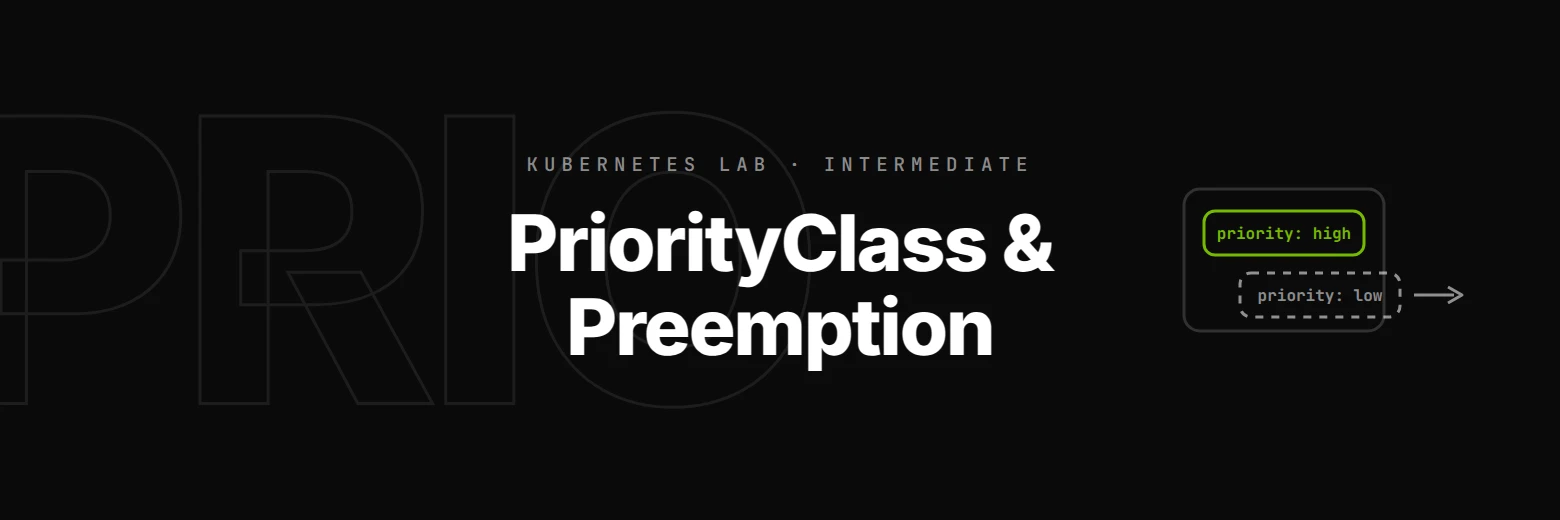
The fix is PriorityClass + preemption — Kubernetes' answer to GPU contention with intent. This step builds the picture; the next four make it real.
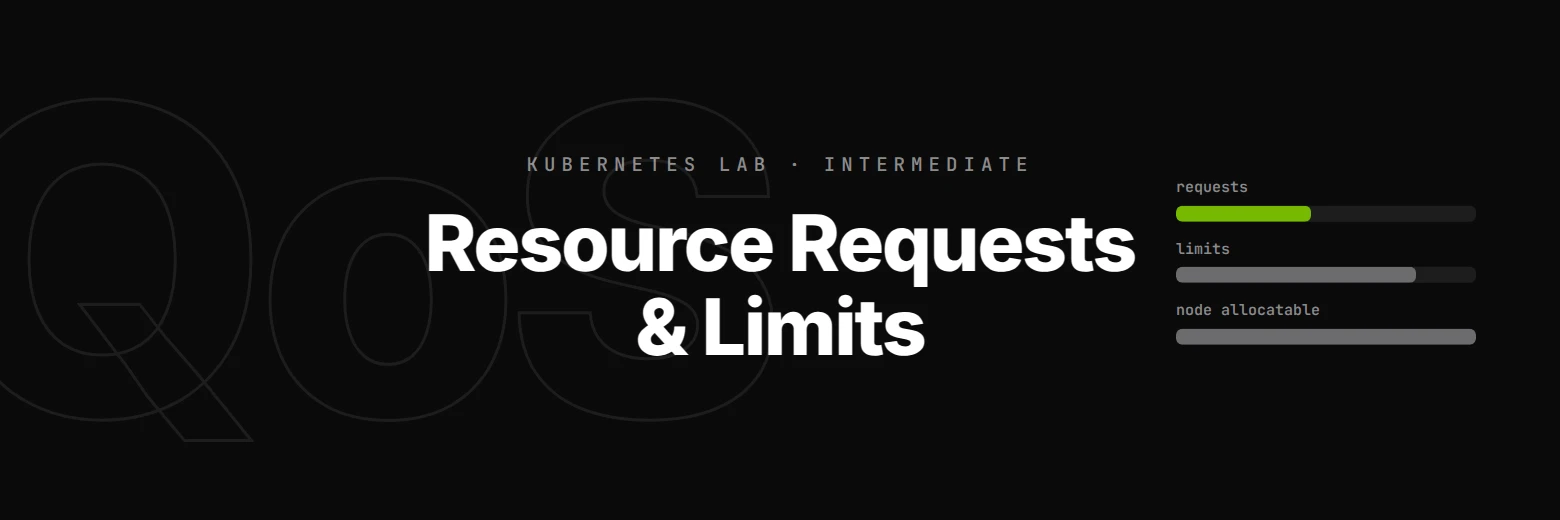
Two limits, one bottleneck
There are two completely different things that decide whether a pod gets scheduled:
| Limit | Where it's enforced | What it controls | When you hit it |
|---|---|---|---|
| Namespace ResourceQuota | API server admission | The total requests a namespace can have summed across all its pods | Pod creation rejected with Forbidden: exceeded quota |
| Node capacity | Scheduler | Whether the node has enough free Allocatable for the pod's requests | Pod is admitted but stuck Pending with Insufficient nvidia.com/gpu |
PriorityClass + preemption only operates against the second limit. If the namespace quota is the bottleneck, no amount of priority will save your pod — it gets rejected at admission, before the scheduler even sees it. If capacity is the bottleneck, the scheduler can preempt lower-priority pods to make room.
Lab setup note: for this lab, the GPU quota is intentionally set higher (
8) than the cluster's capacity (4). That's the production-realistic shape — quota is a budget, capacity is the physical floor. With 4 GPU pods running, the cluster is at capacity but quota still has 4 GPUs of slack — exactly the regime where the scheduler can do meaningful work with priority.
Read the cluster
Run the step's commands (or the Run button) to see the three things you'll work with for the rest of the lab:
# 1. Capacity — how many GPUs the real node can actually run. The four kwok-*
#    nodes are simulated and tainted NoSchedule, so they never count here.
kubectl get nodes -l 'type!=kwok' -o custom-columns='NAME:.metadata.name,CAPACITY:.status.capacity.nvidia\.com/gpu,ALLOCATABLE:.status.allocatable.nvidia\.com/gpu'

# 2. Namespace quota — how many GPU requests this namespace is allowed to admit.
kubectl get resourcequota session-quota -o jsonpath='{"hard.requests.nvidia.com/gpu: "}{.spec.hard.requests\.nvidia\.com/gpu}{"\n"}'

# 3. PriorityClasses — the four custom ones plus two system ones.
kubectl get priorityclass
Note that capacity (4) is lower than the namespace's GPU quota (8). That gap is what makes preemption meaningful in this lab — admission allows up to 8 requests, but only 4 can actually run, so the scheduler decides who gets to run.
What "priority" buys you
Every pod has a .spec.priority integer (default 0). When the scheduler looks at the Pending queue and decides what to admit next, it processes pods in descending priority order. Same priority? FIFO by submission time. So priority alone reorders the queue.
Preemption goes one step further: when a high-priority pod can't fit on any node because lower-priority pods are using the resources, the scheduler can evict (preempt) one or more of those lower-priority pods to free space. The preempted pods go back to Pending and re-queue.
You don't set priority directly — you set priorityClassName to reference a PriorityClass object whose value field carries the integer. We'll see those PriorityClasses in the next step.
Why this matters in practice: in production, GPU contention is the rule, not the exception. The decision which job gets to run when the cluster is full is the most consequential one your scheduling policy makes. Without PriorityClasses, that decision is "whoever submitted first" — which is fine for one team but disastrous for multi-tenant. Every NVIDIA-shop platform engineer needs to know the priority + preemption mechanic; the NCA-AIIO exam tests it directly under the AI Infrastructure & Operations domain.