
Learn Git, from zero to hero
Know what Git will do before you press Enter. Nine levels, from your first commit to GitOps, with real terminal screens, predict-and-verify challenges and graded projects.
9 levels · 69 lessons · 8 predict-and-verify challenges · 10 graded projects9 levels · 69 lessons · 8 predict-and-verify challenges · 10 graded projects · 18 to 24 hours
The 9 levels
69 lessons, 8 predict-and-verify challenges, 10 graded projects. The first lecture is open to everyone.
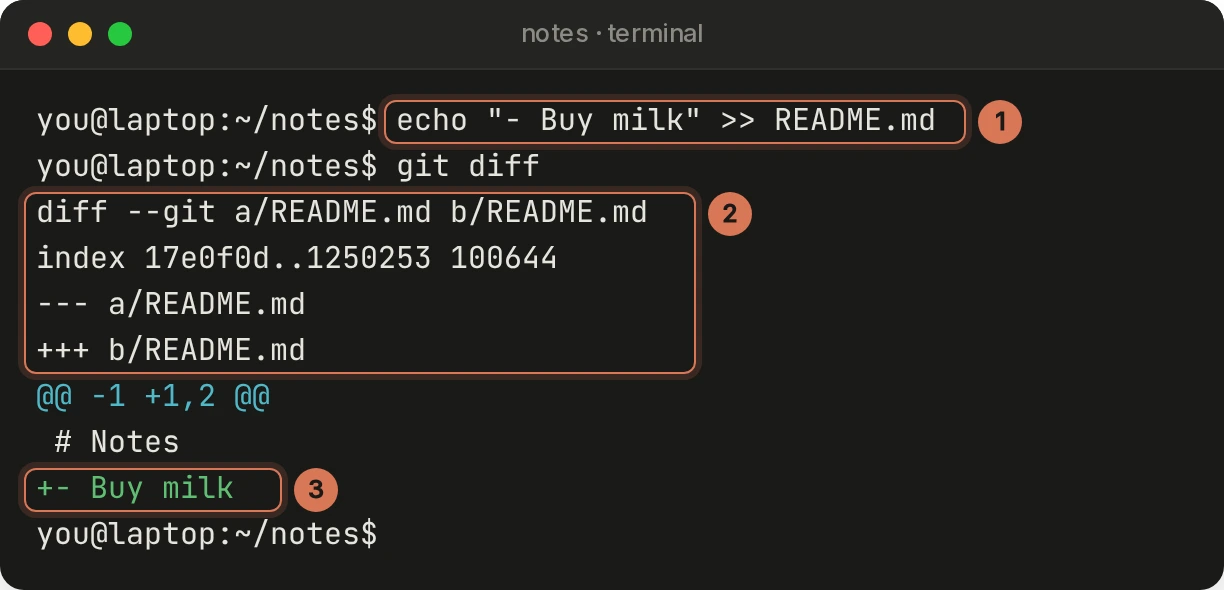
Your First Repository
Install Git, make commits with messages people can use, read any history, and keep secrets and junk out with .gitignore.
Finish the course, get your certificate
Read every lesson and pass every project, and Preporato issues a certificate with your name, a link anyone can check, and one-click LinkedIn.
What you'll have built
Real artifacts from the projects, kept in your own setup after the course.
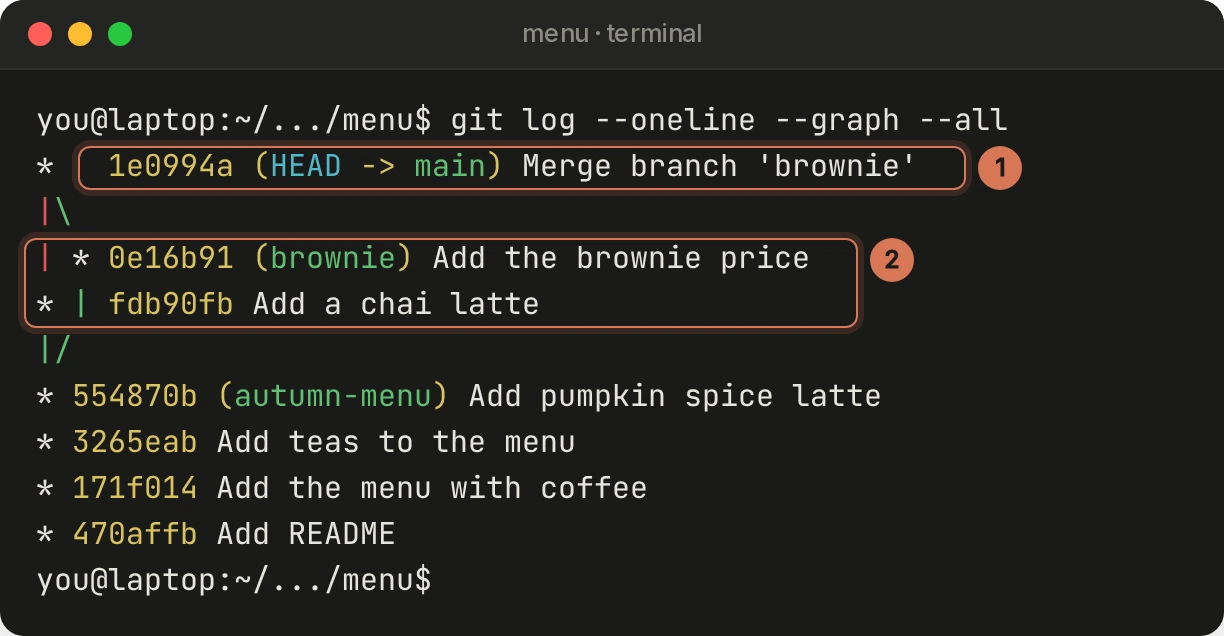
Your first clean repositories
A friend's website committed in small, readable steps, and two teammates' branches merged with a real conflict resolved by hand.
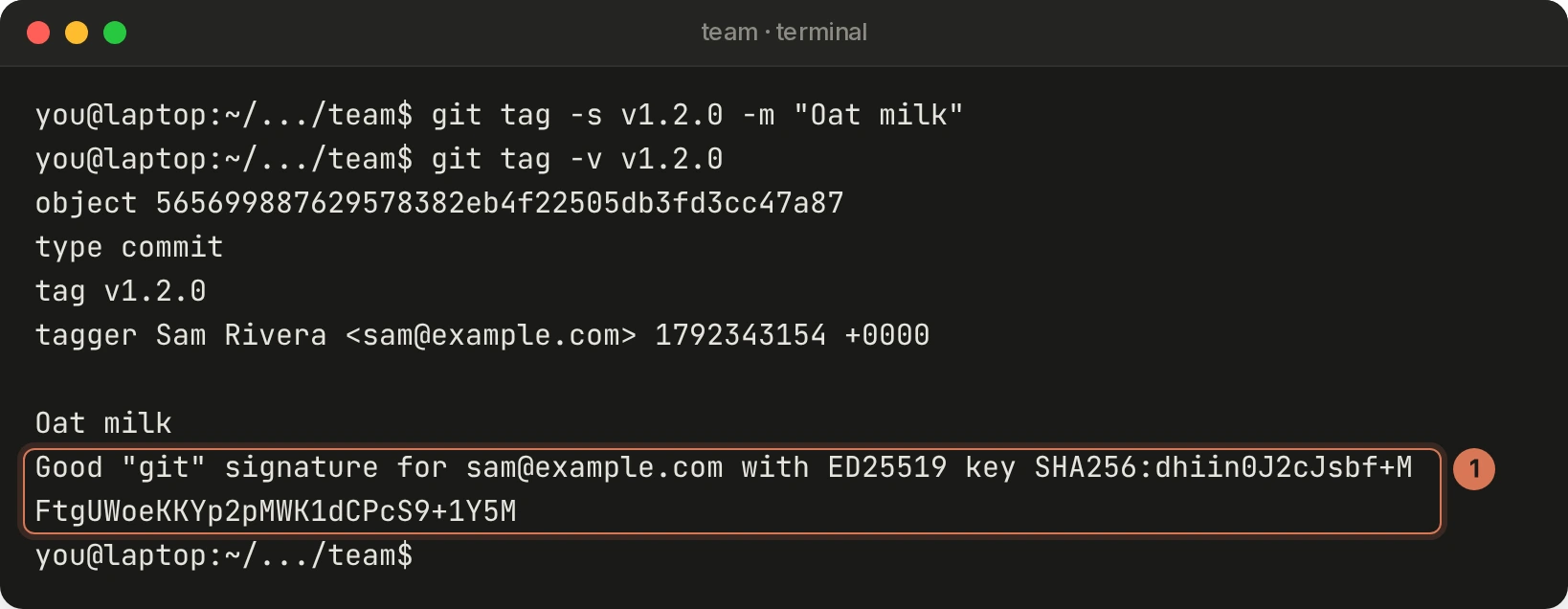
A team-ready repository
Code owners, a pull request template, a commit-msg hook enforcing Conventional Commits, signed commits and a signed release tag, all checked.
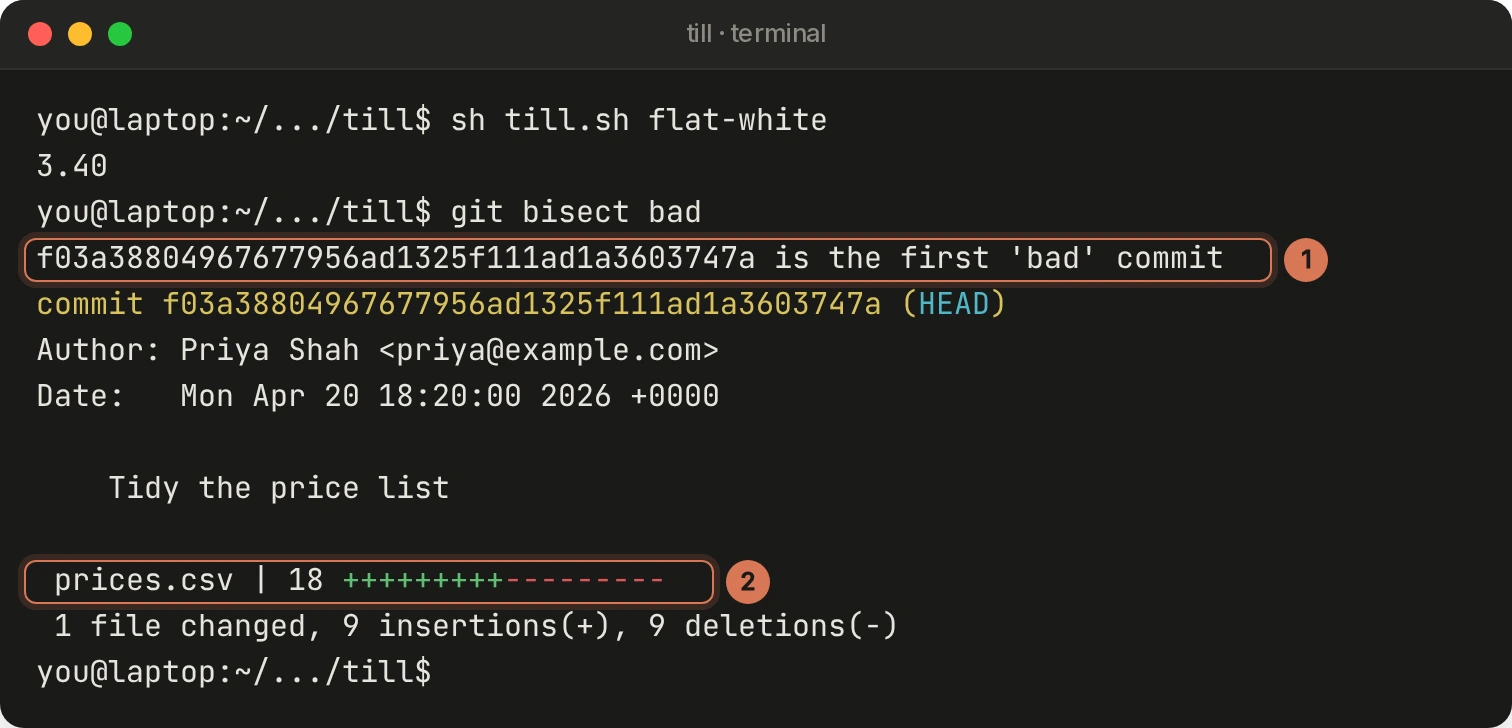
A bug found by bisect
A test script git bisect can trust, the culprit found among 60 commits despite three that don't build, and the fix as a clean revert.
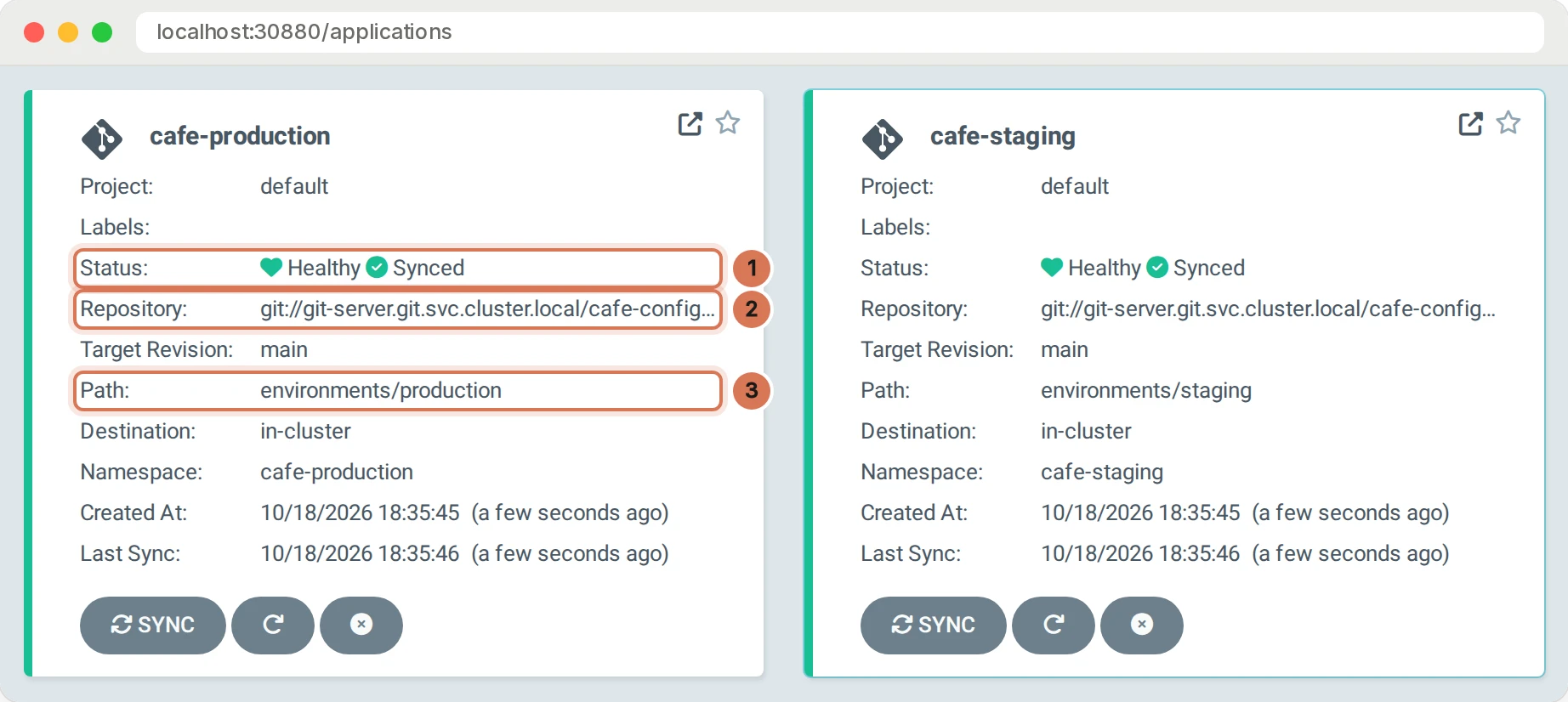
A release shipped with GitOps
A price change promoted from staging to production by Argo CD and rolled back with a revert, with every step in Git's history and Argo CD's.
Built for people who want Git to make sense
Real screens, numbered
The walkthroughs show what Git actually printed, captured by running the commands, with numbered callouts on the lines that matter. Your practice folder starts with the same history, so the commit IDs on your screen match the lesson.
Predict first, then check
Predict challenges ask what Git will do before you run it: what goes in the commit, what a merge or a rebase does, which commit bisect blames. Then you run it in your own terminal and see.
Graded from your own repository
Each level ends with a project and a self-check that reads your actual repository: commits, branches, signatures, even Argo CD’s deployment history. Read every lesson and pass all ten projects for a certificate of completion.
What you can do, and what you'll have used
- Make, read and undo commits with confidence, knowing exactly what the working tree, staging area and repository hold
- Branch, merge and resolve conflicts, then collaborate on GitHub with fetch, pull, push, forks and pull requests
- Recover from mistakes with restore, reset, revert, the reflog and stash, without losing work
- Keep a clean history with interactive rebase, fixups, stacked branches and safe force-pushes
- Explain how Git stores everything as objects and refs, and build a commit with plumbing commands alone
- Set up a repository for a team: code owners, pull request templates, rulesets, Conventional Commits, signed commits and releases
- Find bugs with bisect, trace code with blame and the pickaxe, and work in parallel with worktrees, including alongside coding agents
- Deploy, promote and roll back with GitOps, using Argo CD on a local Kubernetes cluster
Questions, answered
Yes. Level 1 starts with installing Git and making your first commit, and the walkthroughs show every screen you should see. You need a terminal: Terminal on a Mac, any Linux shell, or Git Bash on Windows.
About this course. Git is the tool almost every developer uses daily and few fully understand. This course teaches it hands-on: you run every command yourself in a practice folder whose repositories have the same history as the lessons' screens, so your commit IDs match until you make commits of your own. The walkthroughs show the real terminal output with numbered callouts, predict challenges check that you know what Git will do before it does it, and every level ends with a project and a self-check that reads your repository. You start with your first commit and finish running GitOps: Argo CD deploying, promoting and rolling back a website on a Kubernetes cluster on your own computer.
Read the first lecture. It is free.
All 9 levels, all 10 auto-graded projects, and every lab and practice test on Preporato are included with Pro. $29.99/mo, cancel anytime.